Digital vs Paper Notes: Which Is Better for Your Memory and Productivity?
Open a notebook and your pen moves slower than your thoughts. Open a laptop and your fingers can almost keep up. That gap in speed sits at the heart of the paper-versus-digital argument, and it explains why the two formats are good at such different jobs.
The short version: paper tends to help you remember, digital tends to help you retrieve. Most people get the best results from using both, with a clear rule about which kind of note goes where. Here is how each format actually behaves, where each one lets you down, and a setup you can copy this week.
What changes when you write by hand
Handwriting is slow. You cannot capture a meeting word for word, so you have to decide what matters while the words are still arriving. That decision — this bit, not that bit — is the work. You paraphrase, you abbreviate, you draw an arrow between two ideas. By the time the page is full, you have already handled the material once.
Typing removes that constraint. Fingers keep pace with speech, and it is easy to type a full transcript without ever deciding what any of it meant. The notes look impressively thorough. Read them back a week later and you often find a wall of sentences you have no memory of thinking about.
Paper also carries positional clues. You remember that the budget figure was top-right, that the objection was underlined twice, that the two halves of the argument sat on facing pages. That layout becomes part of the memory. A scrolling document, where every line looks like every other line, gives you far fewer hooks.
Where paper still wins
Working through something difficult
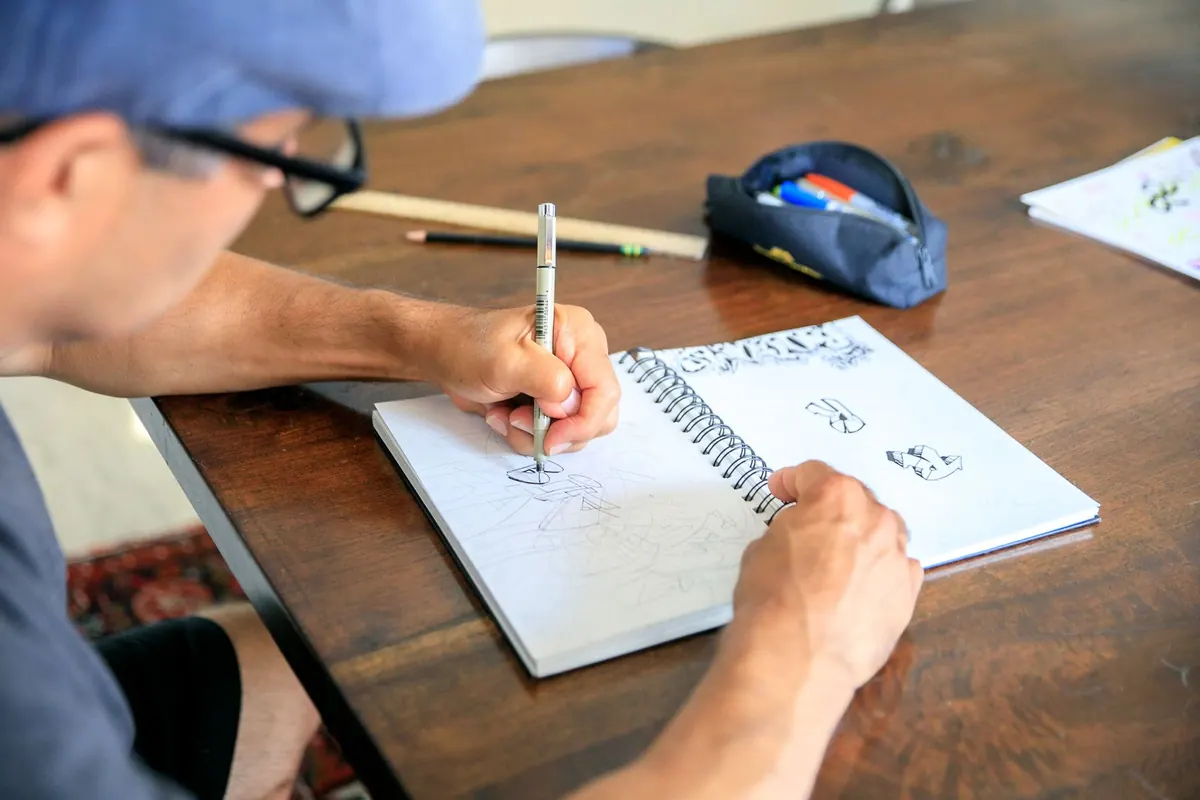
A blank page lets you think sideways. You circle things, cross things out, sketch a rough diagram, write a question to yourself in the margin. Crossing out is visible thinking — you can see the route you took. In a text editor you delete, and the deleted thought is simply gone.
Notes you need to absorb
Meetings, lectures, client calls, site visits: if you want the content to stay in your head, write it by hand. Eight key points in your own words will serve you better than two pages of transcript you will never read again.
A page that cannot interrupt you
A notebook does not buzz, pop up a calendar alert or tempt you into a browser tab. That sounds trivial until you count how often a digital note-taking session turns into twenty minutes of something else entirely.
Where digital wins without much argument
Finding things months later
This is the one advantage paper cannot match. When you need "that note about the supplier's lead times", a search box finds it in seconds. Add a few consistent tags or a project name and you stop relying on memory to locate anything.
Structure that survives editing
Renumbering a list, inserting a heading halfway up, moving a section to the top — all effortless on screen. A digital note can also live in two places at once, tagged to a client and filed under a project, without being written twice.
Sharing, syncing and backup
Send a note to a colleague, add it to a shared folder, open it on your phone at the station. And if your bag is stolen or a coffee goes over the page, the digital copy is still there. Paper has no undo.
The trade-offs neither side advertises
Paper's weaknesses are practical. Notebooks fill up. You have to carry them, and you can only be in one place with them. Handwriting varies with your mood and the surface you are leaning on. Nothing is searchable unless you build an index, and most people never do.
Digital's weaknesses are subtler and, in some ways, worse. Capturing becomes so easy that you save everything and read nothing. You end up with folders of notes you never revisit, which feels like progress and is not. Tools change, subscriptions lapse, and exports are often messier than you expect — so keep anything important in a format you can open in ten years' time.
How to decide, note by note
Stop trying to pick a side. Ask what the note is for.
- If you need to think it through: paper. Planning, deciding, revising, untangling a problem.
- If you need to find it again: digital. Reference material, contact details, anything with a date attached.
- If it is fast and spoken: paper first, tidy it up digitally later the same day.
- If it will be edited for weeks: digital. Shopping lists, packing lists, project plans, reading lists.
- If it is a one-off you will use once: whatever is nearest. Do not build a system around a takeaway menu.
A hybrid setup that holds up
This takes about ten minutes a day and covers most situations.
- Carry one notebook. Write everything by hand as it happens — meeting notes, ideas, odd reminders.
- At the end of the day, go through the pages and pull out the small fraction that matters: actions, decisions, dates, names, anything you will need to retrieve.
- Type those into your digital notes with a clear title and a date. Do not retype the thinking, just the outcome.
- Keep the notebook as the record of how you got there; keep the digital file as the record of what you decided.
- Once a month, review the digital notes and delete what is dead. A tidy archive is one you will actually trust.
The rule underneath it all is simple. Paper is where you work things out. Digital is where you keep the conclusions.
What to try first
Pick one recurring situation and change only that. If your meetings currently produce pages of typed transcript, handwrite them for a week and see whether you can explain the decisions afterwards without reading your notes back. If you currently scribble plans on scraps of paper and lose them, put a single digital note in place for that one project and update it as things change.
Keep what helps, drop what does not, and give it a fortnight before you judge it. The point is not to be a paper person or a screen person. It is to know which of the two your memory needs at that moment — and then to reach for it without agonising over the choice.
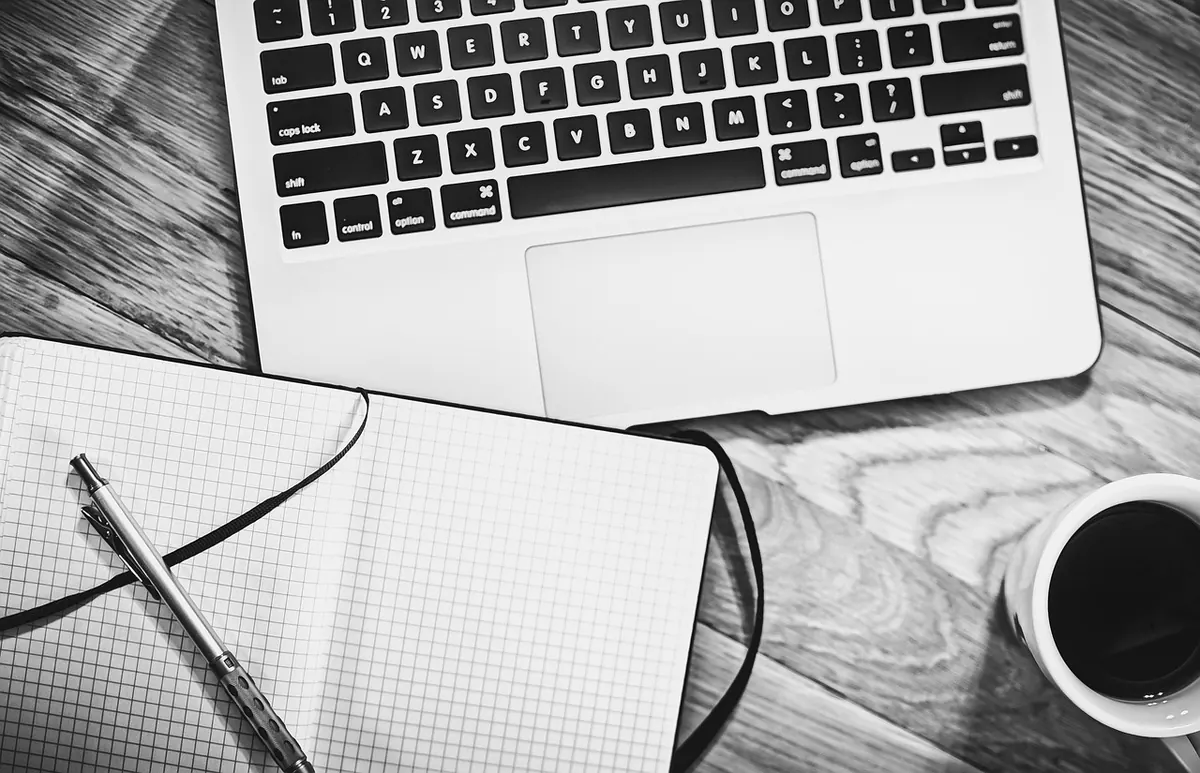
Photo: fancycrave1 / Pixabay
You Might Also Like
A practical, step-by-step process for emptying messy notes, sorting them into actions, waiting items and reference, and turning the rest into prioritised tasks you can actually do.
A practical guide to shaping a notebook around the UK year, from bank holidays and tax deadlines to term dates, with a quarterly review to keep it working.